
AI In BusinessAI Glossary for Business Owners: Key Terms Explained
The short answer
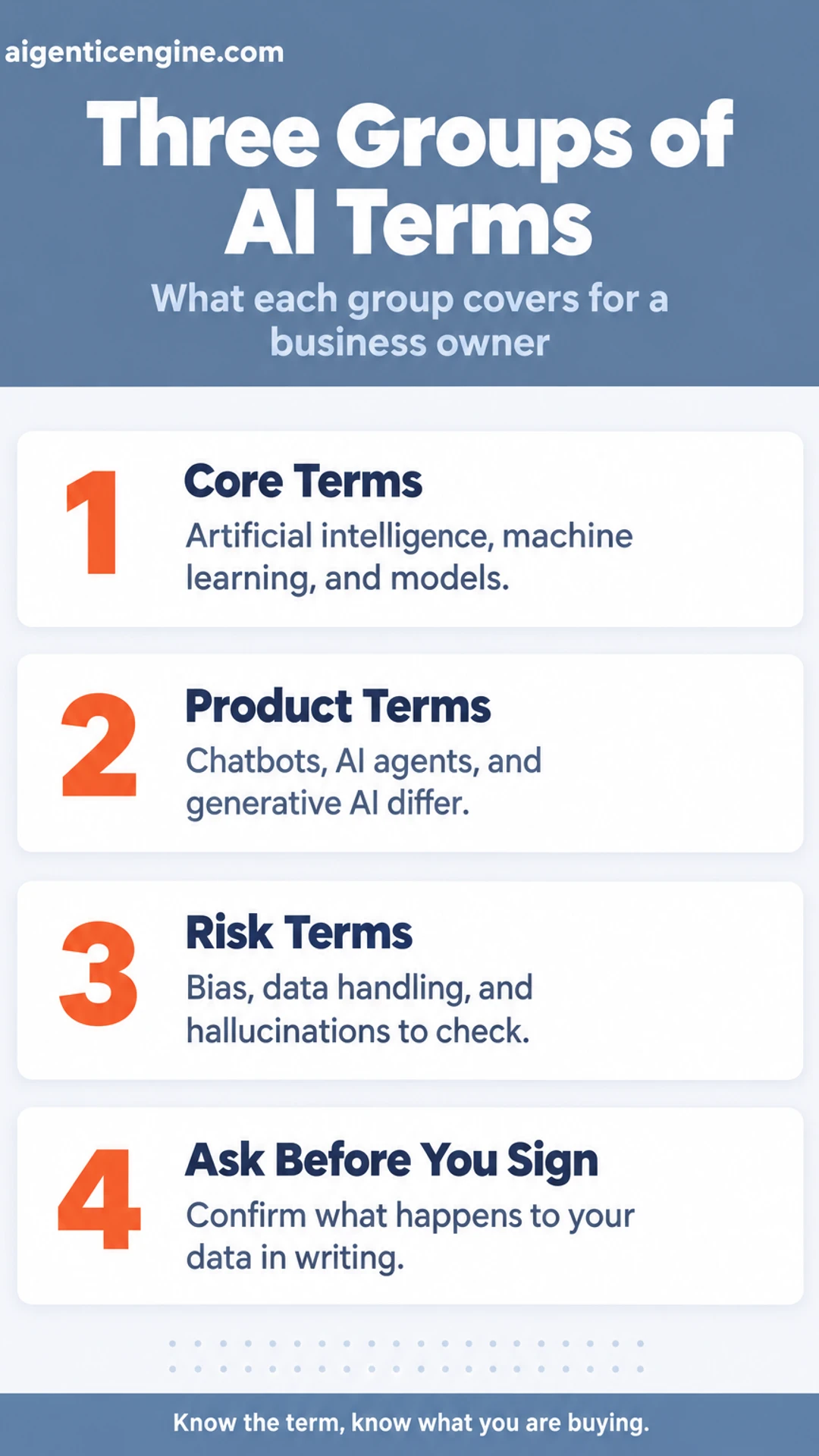
AI terms for business owners fall into a few groups: the basic technology (artificial intelligence, machine learning, models), the tools you will see sold (chatbots, AI agents, generative AI), and the risks to check (bias, data handling, hallucinations). You do not need to understand the engineering. You do need to know which term a vendor is using and what it means for cost, data, and results.
Here is what this glossary covers:
- The core terms: what artificial intelligence, machine learning, and models mean in plain language.
- The product terms: how chatbots, AI agents, and generative AI differ, and why vendors blur them.
- The risk terms: bias, data handling, and hallucinations, and what to ask before you sign.
- Where they show up: the terms as they appear in sales, operations, reporting, and agency work.
- Our take: which terms deserve your attention first and which can wait.
You have probably sat through a demo where the vendor used three terms you did not recognize and moved on quickly. That is a common experience for owners who run the business and do not have time to become technologists. The words are often used loosely, and some are used to sound more capable than a product really is.
This guide sorts the vocabulary into groups and explains each term in everyday language. You will leave able to ask sharper questions, compare offers on equal terms, and spot the difference between a tool that automates a task and one that only sounds impressive. This guide is based on published specifications and what buyers report, not our own testing.
The Core Terms: Artificial Intelligence, Machine Learning, and Models
Most of the confusion around AI starts with three words that get used loosely. Once you know what each one means, the rest of the glossary becomes much easier to follow.
Artificial intelligence is the broad label. It covers any software that performs a task that would normally need human judgment, such as sorting customer emails by urgency or spotting an unusual pattern in invoices. The label says nothing about how the software works internally. It describes what the software is for.
Machine learning is one way of building that software. Instead of a programmer writing fixed rules like "if the order is over $500, flag it," the system studies large amounts of data and works out the patterns on its own. Each example it sees nudges it toward better answers. This process is called training, and it is the stage where the software learns from your data or from data collected by its developer.
A model is the result of that training. Think of it as the finished, learned version of the software: the thing that takes an input, such as a customer question or a sales record, and produces a prediction or generated output in response. When someone says "the model," they usually mean this trained component.
Why the distinction matters:
- A vendor saying "AI-powered" could mean a sophisticated trained model or a simple rule-based tool.
- Ask what the tool learns from, and whether it can improve as it sees more of your data.
- A rule-based tool can still be useful. Just know which one you are paying for.
Generative AI, Large Language Models, and Prompts
Most of the AI terms you will meet first come from a handful of ideas. Once you understand those, the rest of the vocabulary gets much easier to follow.
Generative AI refers to systems that create new content from a request you give them. That content can be text, images, or code. You describe what you want in plain language, and the system produces a draft. Think of it as a very fast first-draft machine rather than a finished decision-maker.
Large language models (LLMs) are the text-focused models behind many of the writing and chat tools you will see. They are trained on large amounts of text so they can predict and produce sensible language. When a product says it is "powered by AI" for emails, support replies, or summaries, there is usually an LLM underneath.
Prompts are the instructions you type in. A clear prompt that names the audience, the goal, and the format usually gets a more useful result than a vague one.
Context windows describe how much information a model can consider at once, including your prompt, any documents you paste in, and the conversation so far. If you exceed that limit, earlier material may be dropped or ignored, so long reports often need to be split up.
Hallucinations are outputs that sound confident but are wrong. A model can invent a statistic, a citation, or a product feature. Treat every factual claim as a draft to verify, especially prices, legal points, and figures you will show customers.
- Generative AI: creates content from a prompt
- LLM: the text model behind many tools
- Prompt: your instruction
- Context window: how much the model can consider at once
- Hallucination: confident output that is incorrect
Chatbots, AI Agents, and Automation Terms
Vendors use these three words almost interchangeably, and that is where owners get burned. Each describes a different kind of tool, with different costs and different risks.
A chatbot is a conversation tool. It answers questions within a defined script or a set body of knowledge, such as your FAQ page or product catalog. Its job is to talk. It usually does not take action in your other software.
An AI agent is a system that works toward a goal. Give it an objective, such as "qualify this inbound lead and book a call if they fit," and it chooses and carries out a sequence of steps. Those steps often cross several pieces of software, like your CRM, email, and calendar. The defining feature is that it makes decisions along the way.
Workflow automation follows fixed steps. When a form is submitted, create a contact, send a welcome email, and add a task. Every run follows the same path. Automation is predictable and easy to audit, and for many routine jobs it is the right choice.
The practical difference is how decisions get made:
- Chatbot: answers from scripts or knowledge
- Automation: runs fixed steps in order
- Agent: decides which steps to take to reach a goal
Questions to ask when a product is called an agent:
- Can it take an action in another system, or only reply in a chat window?
- What decisions does it make on its own, and what triggers a human handoff?
- Can I see a log of every step it took on a given task?
- If the path is fixed, is it really an agent, or a scripted bot with a new label?
Your goal is to understand what you are buying before you pay for it.
Chatbots, agents, and automation at a glance
| Tool | How it works | Decision-making |
|---|---|---|
| Chatbot | Answers from scripts or knowledge | Limited to its script |
| Workflow automation | Runs fixed steps in order | None, path is fixed |
| AI agent | Works through steps toward a goal | Chooses steps along the way |
Data, Training, and Risk Terms
Some of the most important AI terms are the ones about your information. They decide who can see your data, whether it shapes future outputs, and what you are on the hook for if something goes wrong. Learn these before you hand any tool a customer list or a contract.
Training data is the material a model learned from before you ever used it. Think of it as the reading list behind the model's general knowledge. Fine-tuning means further adjusting a model on a narrower set of examples, such as your support replies, so it fits a specific job better.
Will your data be used? It depends on the vendor and the plan. Many business tiers state that your inputs are not used to train the shared model, while free or consumer tiers often allow it. Read the terms for the specific product you pay for, and confirm it in writing.
Several other terms come up in the same contracts:
- Retention: how long the vendor keeps your inputs, outputs, and logs, and whether you can shorten that period.
- Opt-out: a setting or request that stops your data being used for training or product improvement.
- Data processing location: the country or region where your data is stored and handled. This matters for privacy law and for some client contracts.
Bias is skewed output that comes from skewed data. If the examples a model learned from under-represent certain groups or situations, its answers will tend to lean the same way. Check outputs that affect people, such as screening or pricing, rather than trusting them by default.
Vendor lock-in is the difficulty of leaving a tool. If your prompts, workflows, and records cannot be exported in a usable format, switching gets expensive. Ask how you would get your data out before you commit, because portability is cheapest to secure at the start.
Sales, Marketing, and Operations Terms You Will See
Most AI vocabulary sounds like it belongs to engineers, but a lot of it shows up inside the software you already pay for, usually labeled by the job it does. Here is how the common terms map to the functions where owners buy tools.
Predictive analytics and lead scoring are ranking tools. A model is trained on your past outcomes: which leads closed, which customers renewed, which invoices paid late. It then scores new records by how closely they resemble the ones that worked. A lead score of 82 does not mean an 82% chance of closing. It is a relative ranking, and its quality depends on how much clean history you feed in.
Personalization and recommendation mean tailoring content or offers to a segment or an individual. A recommendation engine might suggest a follow-up email or a related product based on what similar customers did next.
Computer vision and natural language processing (NLP) are the technologies behind image checks and text analysis. Computer vision reads images, such as product photos or scanned forms. NLP handles written language, such as sorting support tickets or detecting the sentiment in a review.
Reporting and forecasting terms appear constantly in dashboards: anomaly detection flags numbers that break from their usual patterns, and forecasting projects future values from past data.
When you evaluate a vendor, ask what data the tool needs, how it was trained, and where a human still reviews the output.
Our take
Our view is that you do not need to master this vocabulary to buy well. Learn the handful of terms that match your actual problems, and ask vendors to explain them in plain words. A vendor who cannot do that is telling you something useful.
Our Take: Which Terms to Learn First and Which to Ignore
Our view is that a business owner doesn't need to understand every term in the AI vocabulary. You need a working grasp of a small set, and you need to know which ones can safely wait. This section reflects our opinion about how to prioritize, not a verified finding.
Learn these first:
- Generative AI: software that produces new text, images or code from a prompt. Most of the tools you'll be pitched are built on it.
- Chatbots: the conversational interface that customers and staff actually touch. Ask what the bot is built on and what it is allowed to say.
- Agents: systems that carry out a multi-step task with limited supervision, such as following up on a lead. Find out how much they do without a person approving each step.
- Data handling: where your customer and company data is stored, who can see it, and whether it is used to train the vendor's models. This is the term that most affects your risk.
Learn these later, or skip them:
- Deep learning and neural networks: the technical mechanics behind modern AI. They explain how a system works internally, but they rarely change whether a tool is right for your business.
In our view, the sequence matters more than the vocabulary. Before you press a vendor on jargon, press them on data use and accuracy. A confident demo tells you little about where your information goes or how often the output is wrong. Ask:
- Do you use our data to train models that serve other customers, and can we opt out?
- Where is our data stored, and for how long do you keep it?
- How do you measure accuracy, and what happens when the system is wrong?
- Does a human review outputs before they reach a customer?
- Which parts of this product are generative AI, and which are standard software rules?
Vendors who answer these clearly are speaking the language you need. Vendors who retreat into technical terms are giving you a reason to slow down. For more on getting started, see How to Start Using AI in Your Business in 30 Days.
Vendor questions and what a good answer covers
| Question | What you want to hear |
|---|---|
| Is our data used for training? | Clear yes or no, with opt-out |
| Where is our data stored? | Named location and retention period |
| How is accuracy measured? | A method, not just a claim |
| Does a human review outputs? | Named review step before customers see output |
Frequently asked questions
How to start a business around AI?
Start with a specific problem a particular group of customers already pays to solve, then check whether AI can handle part of it. Build a small offer, test it with a few real buyers, and only add tools once the manual process is clear. Most early AI businesses are service or workflow businesses, not new technology.
Which of the following is a common application of AI in the field of digital marketing?
A common application is personalization: using customer data to decide which email, ad or product recommendation a person sees. Other frequent uses include drafting ad copy, segmenting audiences, scoring leads and forecasting which campaigns are likely to perform. Each one still needs a person checking the results.
What is AI in business terms?
In business terms, AI means software that performs tasks which normally need human judgment, such as sorting emails, predicting demand, answering routine questions or summarizing documents. It learns patterns from data rather than following only fixed rules. Its value comes from saving time on repeatable work and surfacing information faster.
What are big AI companies called?
Large AI companies are usually called AI labs or frontier AI developers when they build large foundation models. Many people also refer to the largest technology firms investing heavily in AI as Big Tech. Business owners mostly interact with them through products and APIs rather than the research itself.
Wrapping up
Most AI terms are simply new names for old business ideas: automation, prediction and personalization.
Learn the handful that match your daily work, and the rest of the vocabulary becomes much easier to judge.
Which term confused you most when you first started reading about AI? Tell us in the comments.
Share this: X · LinkedIn · Facebook
Summarize with AI: ChatGPT · Claude · Perplexity